The sign in option isn't availible

I've searched the app and can't find an option to sign in on my new device
I've searched the app and can't find an option to sign in on my new device

Hey Eleanor,
Sign in option is located in the top left part of the screen when you click on the cogwheel, then under Accounts, you will see FlipaClip and Sign In option.
In case you are looking for an option to re-use your premium features please check out this topic
I hope that this helps you :)
Regards,
Igor
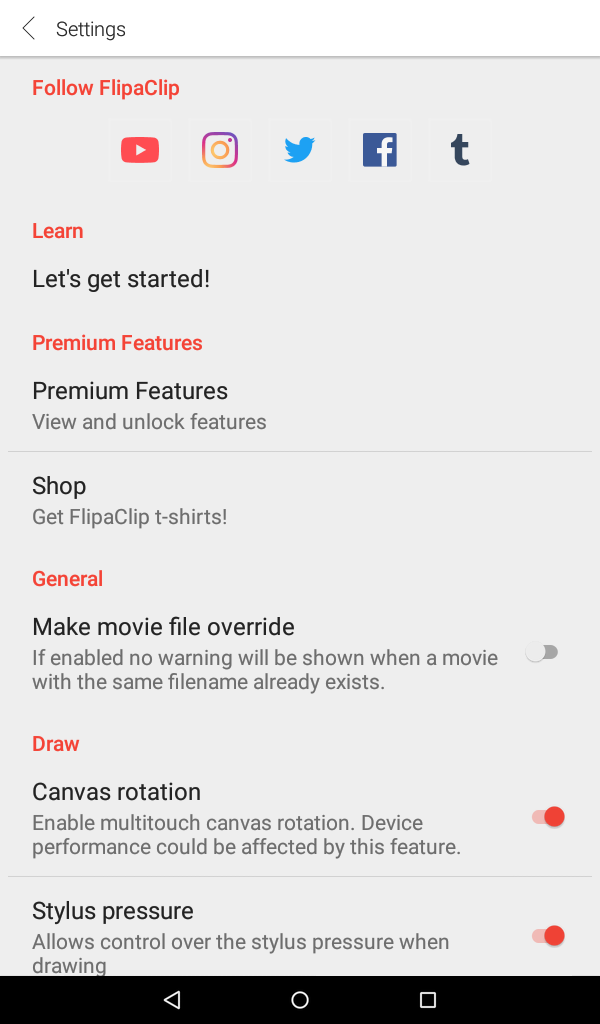
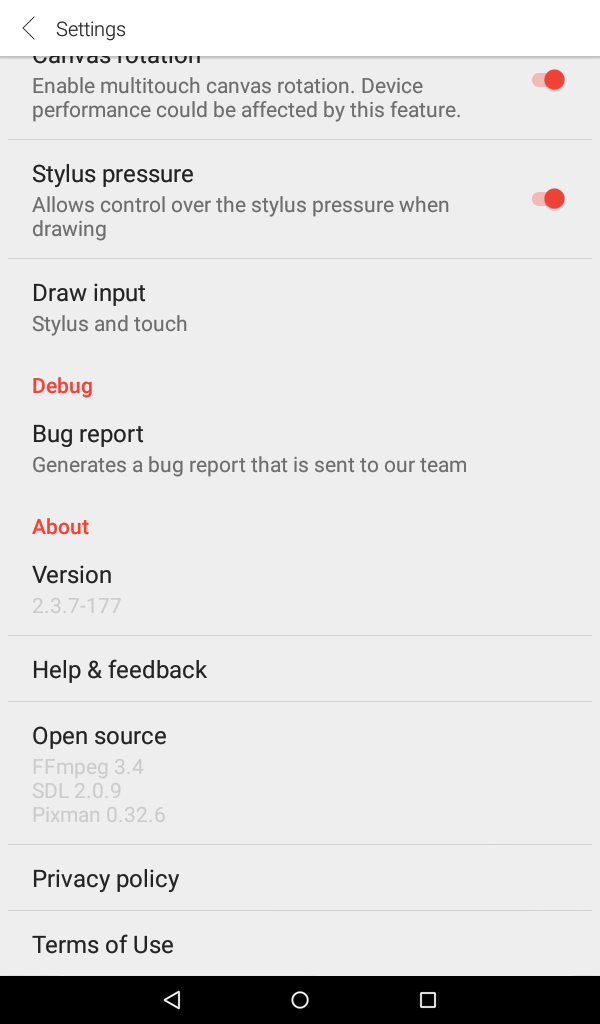
I can't see that. I'm using an Amazon Fire tablet if that helps.

Hey Dragon Girl,
Please find the original answer to your question. It is not possible to have an account on Amazon Kindle Fire :(
Regards,
Igor
Hey Eleanor,
Sign in option is located in the top left part of the screen when you click on the cogwheel, then under Accounts, you will see FlipaClip and Sign In option.
In case you are looking for an option to re-use your premium features please check out this topic
I hope that this helps you :)
Regards,
Igor